
A plan in your pocket.
Your people within reach.
Prepare for the unexpected, communicate with trusted people and keep the context together. Each part of Safara supports the next.
Prepare before
pressure takes over.
Your Emergency Plan brings together in-app responders, trusted circles, approved support entities and available communication channels. Review your choices before saving.
The Safety Command Center keeps Emergency Trigger, Report an Issue, Voice Testimony, Evidence Vault and Emergency History close.
Inside the Safety Command Center ↗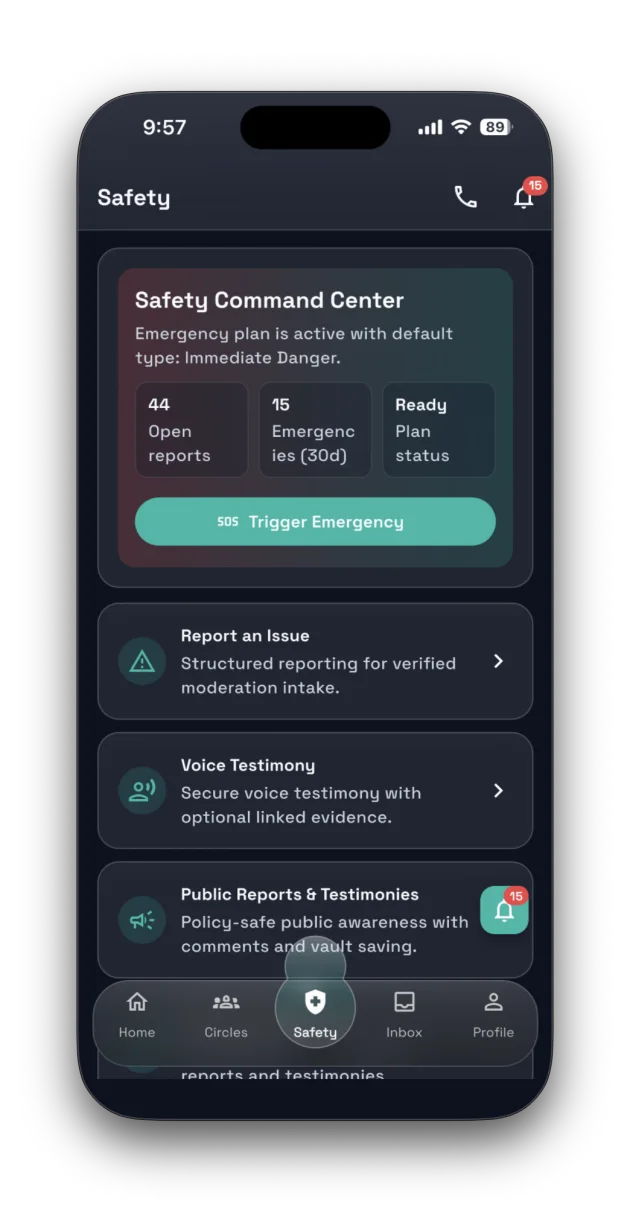
Keep trusted
conversations close.
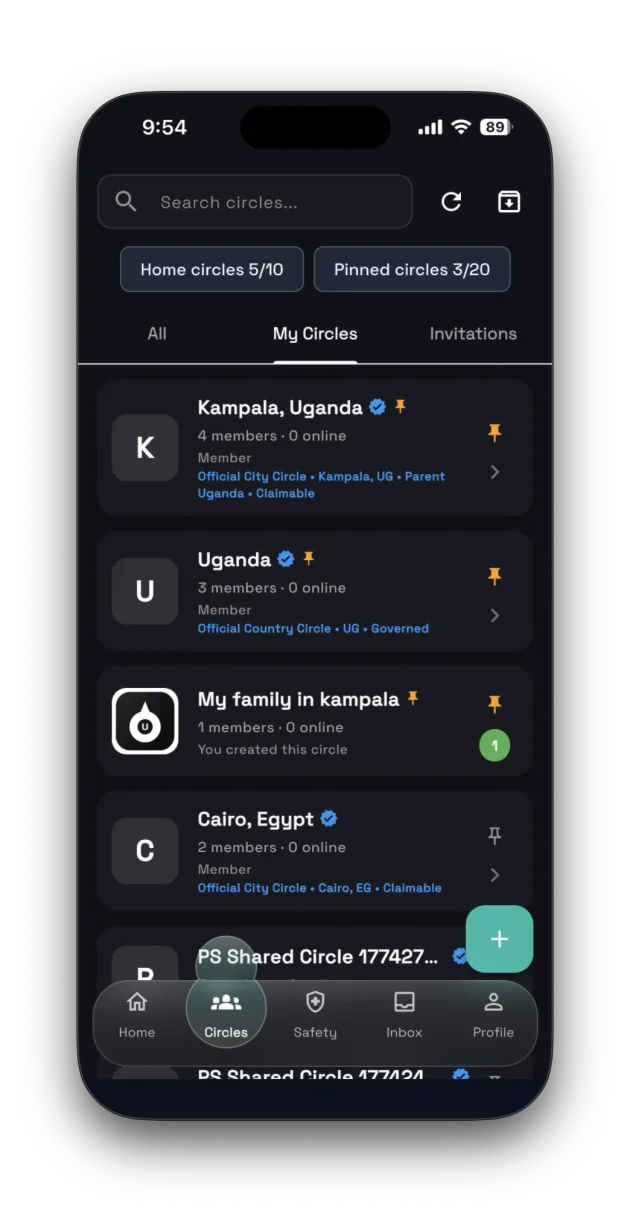
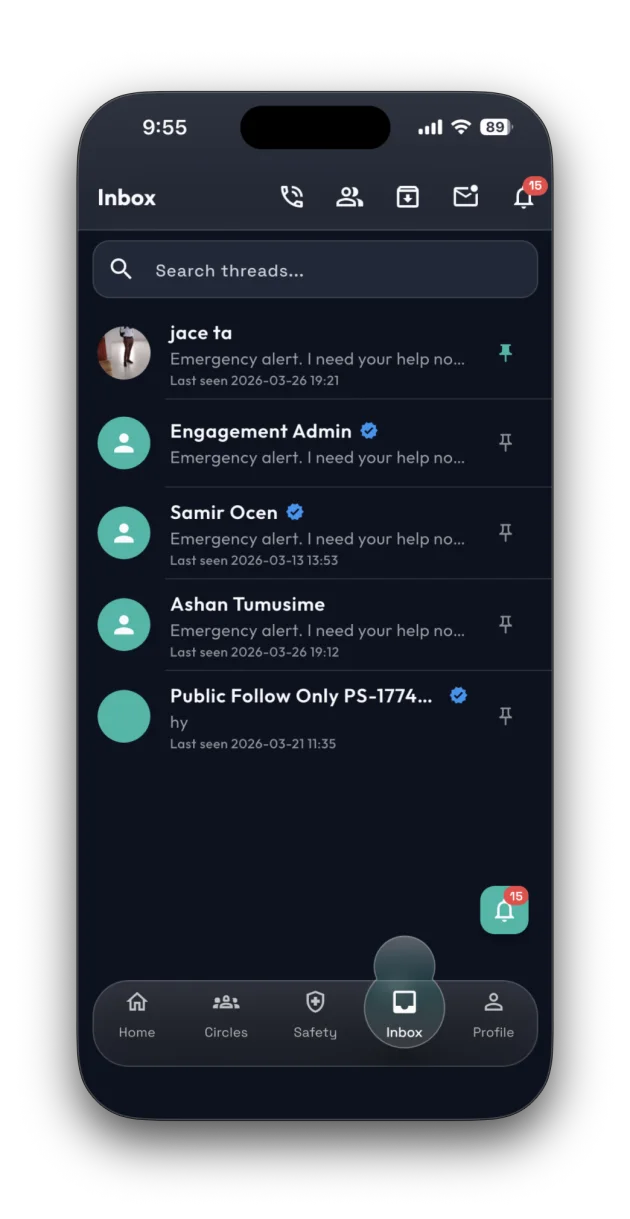
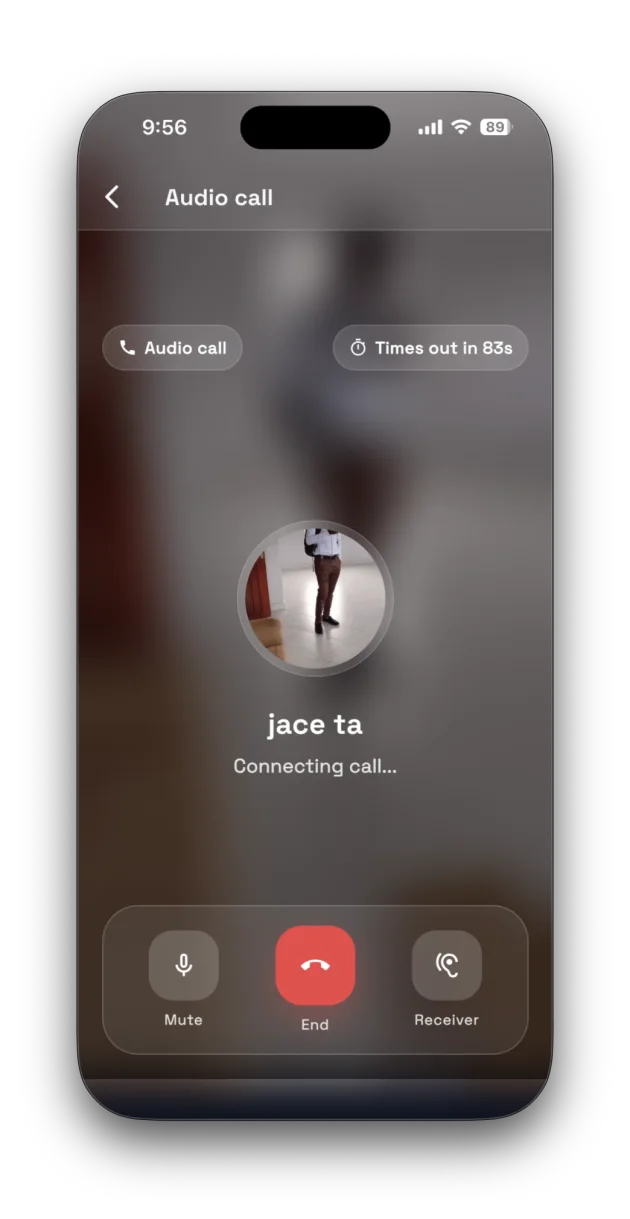
Private and family circles, inbox conversations and in-app audio calls give your people a place to coordinate and follow up.
Make room for
the whole story.
Reports and voice testimonies help preserve what happened. Evidence Vault provides private storage with upload controls, usage limits and account protections.
Circle governance and review processes support responsible community coordination. These processes do not imply government endorsement.
Your presence.
Your privacy choices.
Discover Me settings let you control supported discovery features. Account security tools, including two-factor authentication, help protect access.
Trust signals come from verification and trust workflows. A paid membership is a plan indicator, not proof of identity or authority.
Read about your privacy ↗Prepare your support system before you need it.
Start with Safara Free. Available for iOS and Android.