
Delete from the app
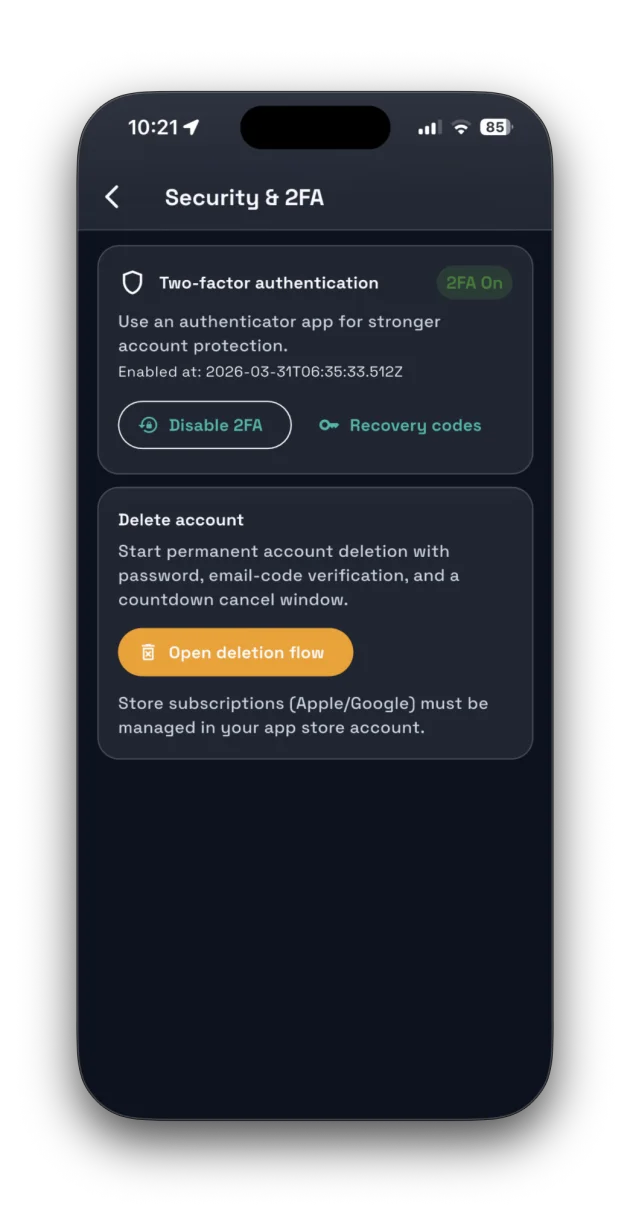
- Open Profile.
- Open Account Details.
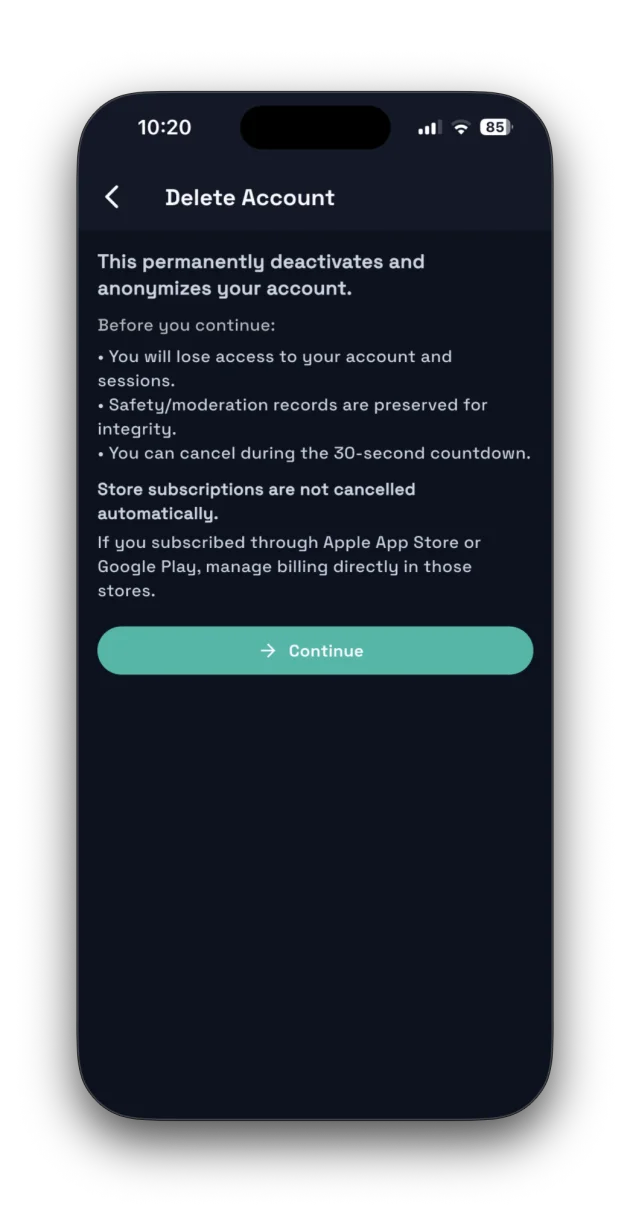
- Tap Delete Account.
- Complete the confirmation steps shown in-app.
If you cannot access your account, email support@safara.online using the email linked to your Safara account.
If you no longer want to use Safara, you can request account deletion in-app or by contacting support. This page is published for App Store and Google Play account deletion requirements.
If you cannot access your account, email support@safara.online using the email linked to your Safara account.
Send a deletion request to support@safara.online with subject line: Account Deletion Request.
Retention periods depend on legal and operational requirements and are documented in the Privacy Policy.
If you need account records, contact support before completing deletion so we can guide you through available options.