
Before
01
Make a plan.
Bring your people.
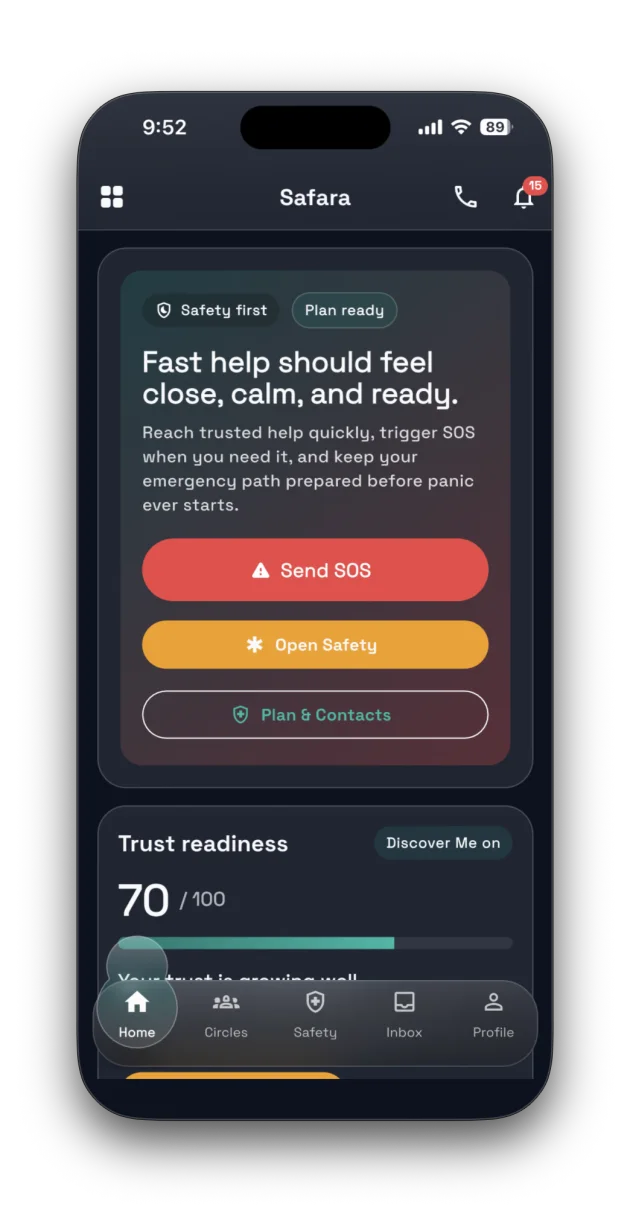
Choose trusted responders, circles and available support channels before a journey, a meeting or an ordinary day away.
For the journey ahead. The people back home. And the moments you didn’t plan for.
Build your safety plan, choose the people you trust, and keep a way to reach them close.
iOS & Android · Core safety stays free
 02 Your people, closer
A real look inside Safara
02 Your people, closer
A real look inside Safara
A familiar contact. A plan already in place. The right context when it matters. Small steps now can make it easier to ask for help later.
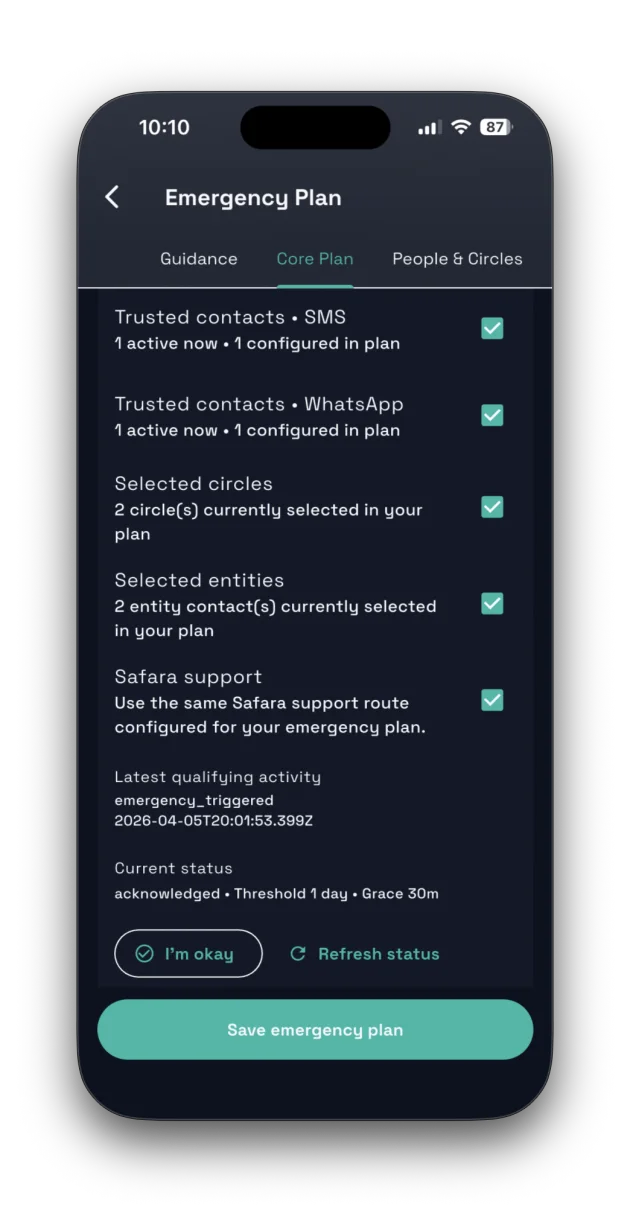
Choose trusted responders, circles and available support channels before a journey, a meeting or an ordinary day away.
Start an emergency workflow when you need help. Your prepared plan guides who Safara tries to reach and how.
Keep reports, voice testimonies, evidence and conversations connected to the situation and its follow-up.
Safara brings preparation and communication together, so you don’t have to start from scratch in an urgent moment.
Responders, trusted circles and support paths, chosen by you.
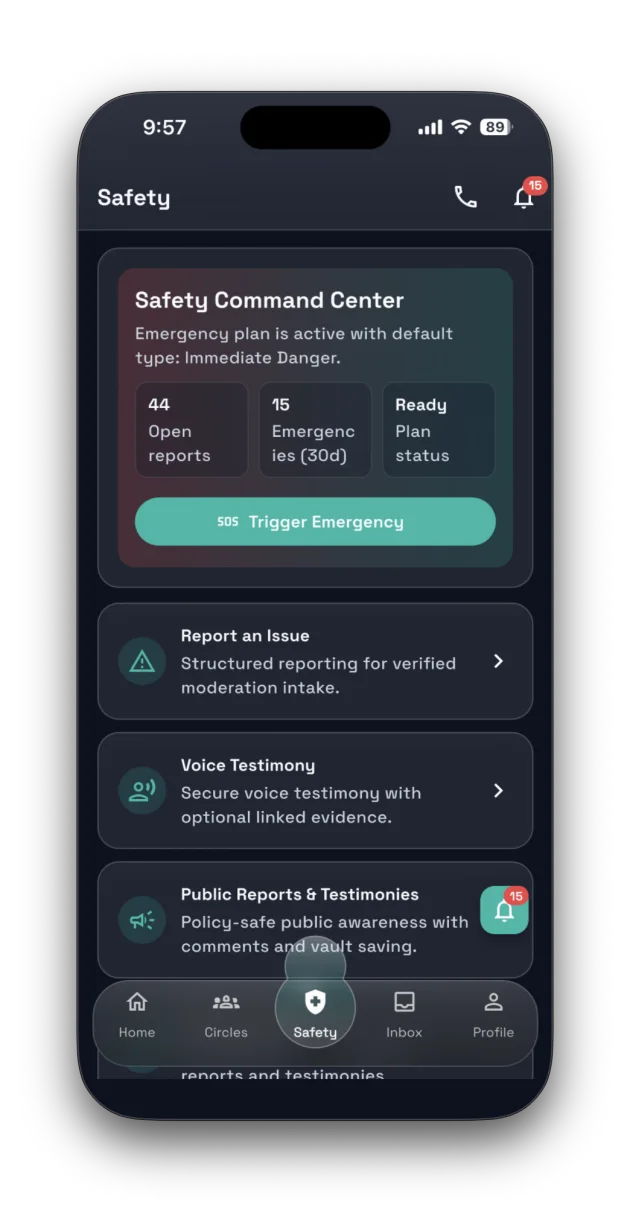
Emergency triggers, reports, testimony and evidence in one place.
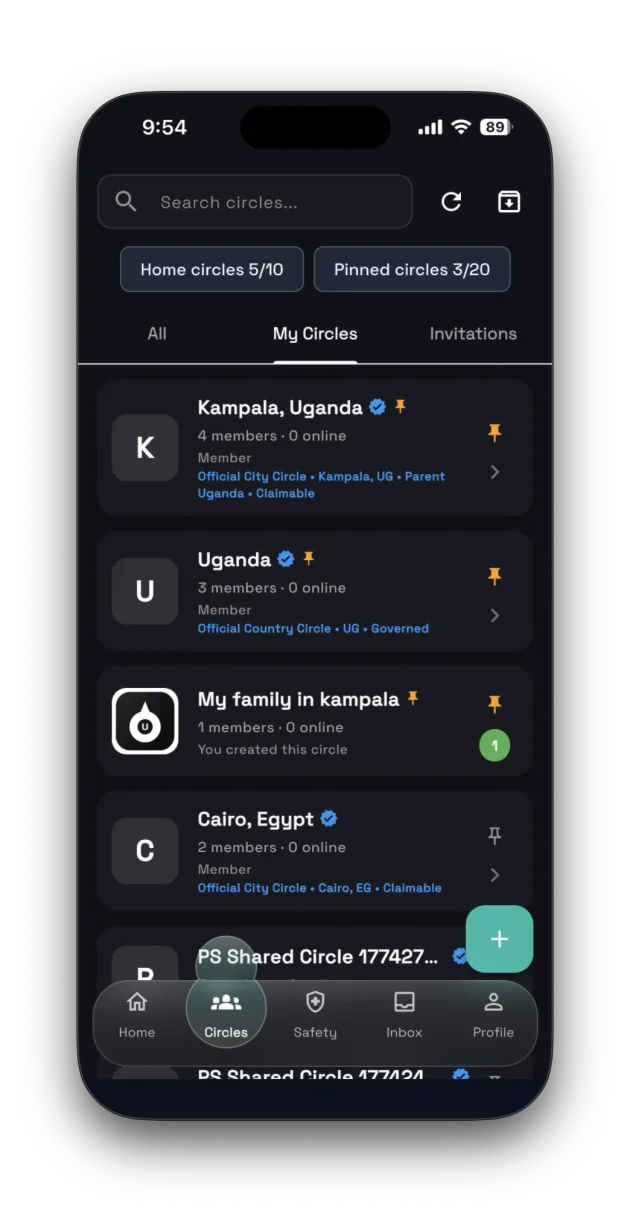
Circles, inbox and in-app audio calls keep follow-up close.
Discover Me controls and trust signals, separate from membership.
Prepare first, then use the plan when you need it. Alert delivery and response depend on connectivity, permissions, available channels and the people receiving them.
Get to know the screens you’ll use: a place to prepare, a place to act, and a place to stay connected.
It started with a simple question about travelling, meeting people and being far from home. Safara is our way of helping people prepare an answer.
Our storySafara Free keeps core emergency planning and triggering available. Plus and Circle add more room for coordination, storage and family tools.
Find your membershipStart with Safara Free. Available for iOS and Android.