
How do I set up emergency responders correctly?
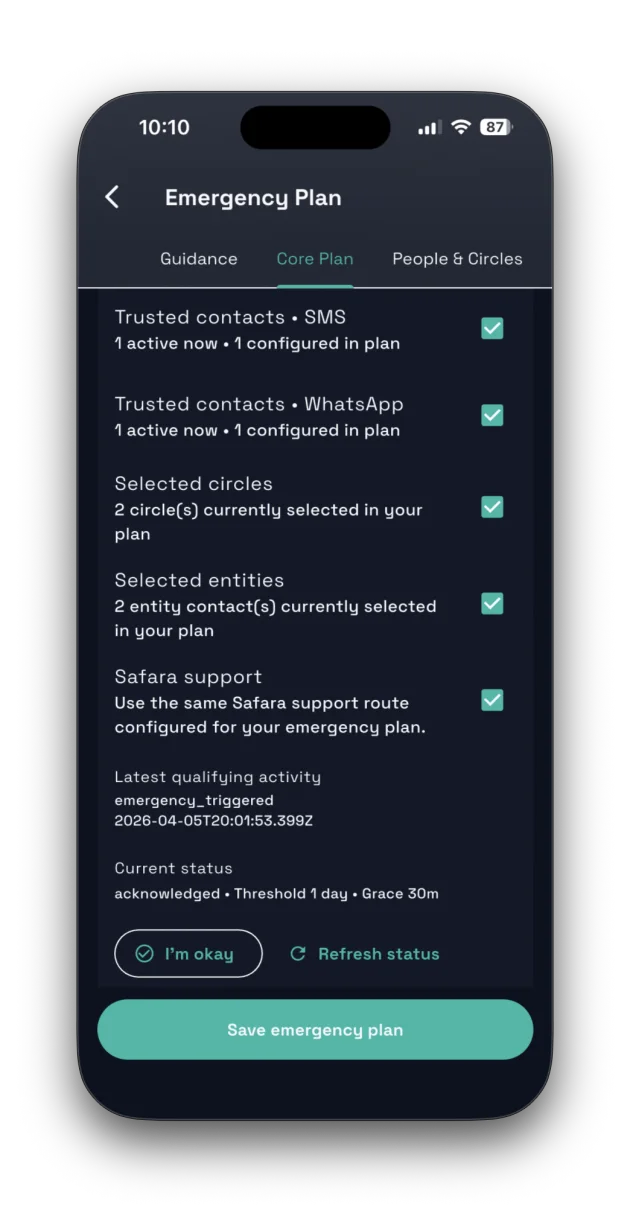
Open Safety and complete your Emergency Plan. Start with in-app responders, then circles, then entities/support contacts, then fallback channels.
Practical guidance for safety, privacy, membership and your account. If your question is not listed, contact support and we will help directly.
Open Safety and complete your Emergency Plan. Start with in-app responders, then circles, then entities/support contacts, then fallback channels.
Paid channels are entitlement-based and enforced by backend policy. If paid allowance is exhausted, Safara uses your configured free fallback channels where available.
No. Core safety remains available on Safara Free. Paid plans add higher limits and premium coordination tools. Compare membership.
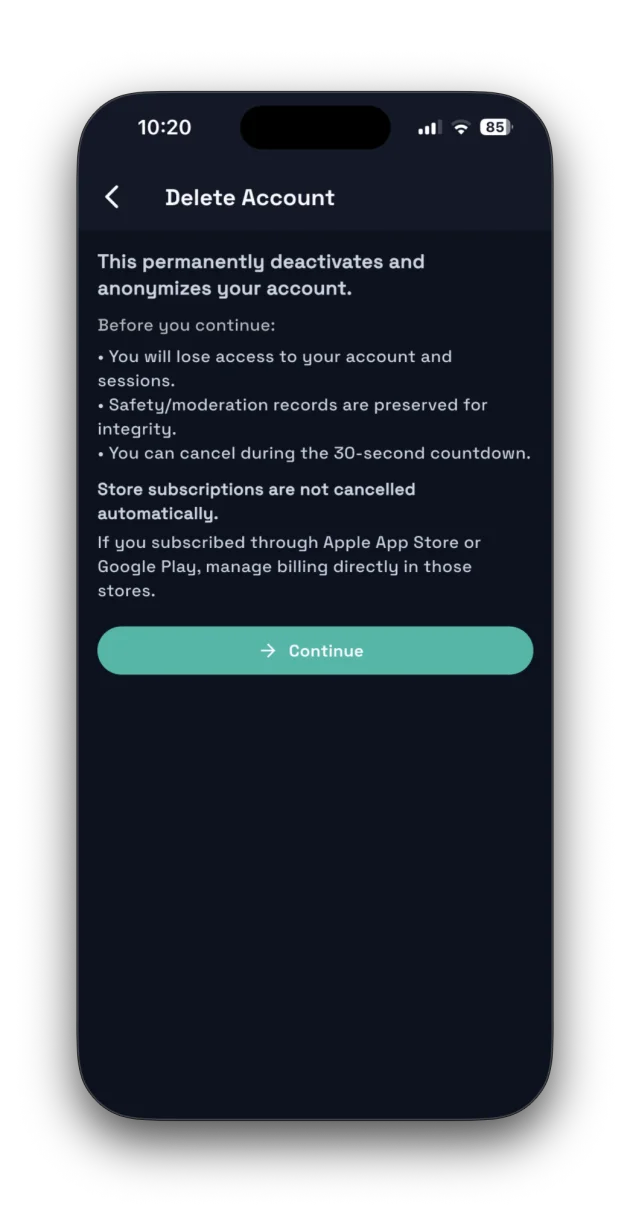
Use the in-app deletion flow in Account Details, or visit the Account Deletion page for web request instructions.
Read the Privacy Policy or visit the Legal Hub for Terms of Use, Community Guidelines, Child Safety, and Refund Policy.
Use in-app reporting when possible, or contact support for help. Safara support is not an emergency dispatch line. If you are in immediate danger, contact local emergency services when safe and possible.
Membership subscriptions and entity licenses are managed through the app store where you purchased them (Apple App Store or Google Play). Membership and billing guidance.
Top-ups are currently request orders. You submit a request, Safara reviews it, and the request may become pending, approved, rejected, or fulfilled. A top-up request is not the same thing as an instant store purchase. Read about membership and top-ups.
Refunds for App Store or Google Play subscriptions follow the store where the purchase was made. Top-up request corrections are handled by Safara support because those requests are not instant store purchases. Read the Refund Policy.
Trust badges are earned through verification or trust workflows. Membership badges only reflect plan status. About membership.
Reach us at support@safara.online with your account email, platform, and issue summary.